
Why Your Business Needs Automated Pipelines
Full Visibility and Momentum From First Contact to Completion
Leads stall when tasks are forgotten, handoffs are unclear, and updates live in scattered notes. Automated pipelines create a single view of every deal and job with standard stages, clear ownership, and automatic next steps that keep work moving.
New inquiries are captured from web, chat, voice, email, and SMS, routed to the right team, and acknowledged instantly. Stage rules assign tasks, set reminders, and start nurture sequences so no one waits on a manual nudge. SLA timers protect speed to lead and response time, while appointment booking, estimate delivery, and follow ups run on schedule.
Operations and field crews see the same status as sales, which reduces bottlenecks and improves customer experience. Forecasts update in real time, managers coach with facts, and leadership sees a reliable path to revenue with fewer surprises.
What Automated Pipelines Are
A Visual Command Center for Sales and Job Management
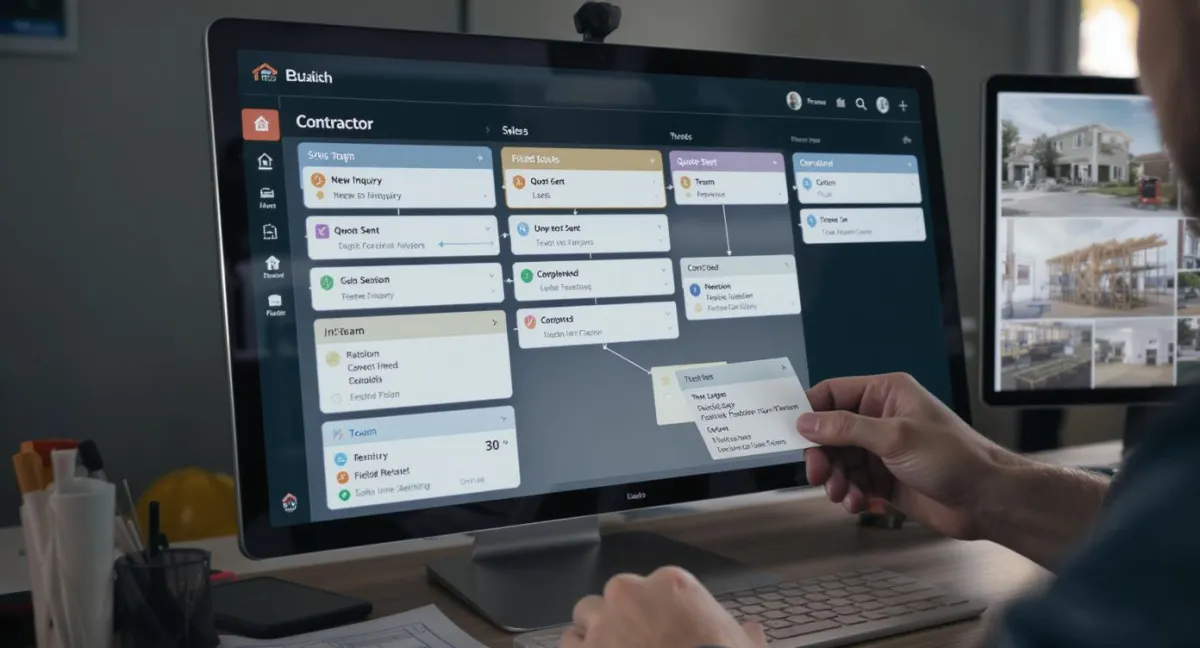
Automated pipelines are structured boards that map your process into clear stages with defined actions on entry and exit. Each stage can set owners, probabilities, due dates, and required fields that standardize quality while removing guesswork.
Rules launch emails, SMS, tasks, and internal notifications the moment work moves forward or backward, and they update tags, deal values, and custom fields to keep reporting accurate. Checklists ensure critical steps are never skipped, templates speed proposals and work orders, and dependencies prevent scheduling before prerequisites are met.
Permissions keep sensitive data secure, audit logs track who changed what, and integrations connect calendars, documents, billing, and inventory. The result is a living system that coordinates people, automates routine steps, and preserves process knowledge inside your CRM.

How Automated Pipelines Work
From Inquiry to Invoice With Zero Guesswork
When a new lead comes in through your Smart Website or 24/7 AI Assistant, a record is created with source and service details, and a card appears in the New Lead column. Routing assigns an owner, timers start, and an intro text and email go out automatically. Engagement moves the card to Qualification, triggering discovery questions, a booking link, and reminders.
Once an appointment is set, confirmations reduce no shows, and notes sync to the record. After the meeting, Estimate Sent creates pricing and signature tasks, then Deposit Received advances to Scheduling, where calendars and crews are booked.
In Progress updates customers, logs time, and captures photos. Completion sends invoices, requests reviews, and promotes referrals. If issues arise, internal tasks open and billing pauses until resolved. Dashboards track conversion, timing, revenue, and next actions across all channels for full visibility.
COMPANY
SERVICES
AI BUNDLES
FOLLOW US


Copyright 2026. IdaWeb Marketing LLC. All Rights Reserved.